
Organize, don't orchestrate
Projects → groups → panes (agents, terminals, commands) in one quiet window. Atrium organizes what’s running; it never drives the work for you. That boundary is structural, not a setting.
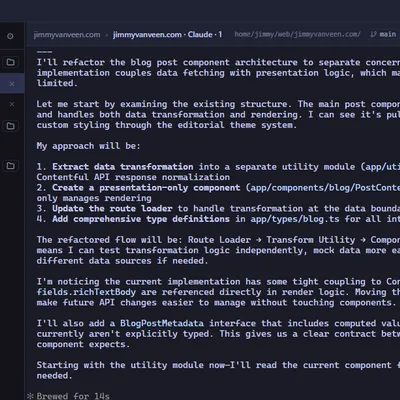
Organize, don't orchestrate
Projects → groups → panes (agents, terminals, commands) in one quiet window. Atrium organizes what’s running; it never drives the work for you. That boundary is structural, not a setting.
Live at a glance
Status orbs that pulse while an agent works and breathe when it needs you, live working directory and git branch per pane, context-window % on Claude panes, and a cross-project dashboard.
Worktrees as a first-class lens
See every git worktree, spawn any pane into any worktree, create/remove/prune from the UI, and flip into a per-worktree cockpit view. Jump anywhere with the Switcher (Ctrl+Shift+K).
Agents that aren't blind
Sessions resume exactly where they left off, and an opt-in local MCP server lets agents read the cockpit — even a sibling pane’s logs — and write into Atrium’s TODOs and scratchpad.
Windows + WSL and macOS, natively
Built for the WSL2 boundary — everything crosses WSL↔Windows over the shared filesystem, no networking or config. On macOS, Atrium drives your native zsh, bash, or fish directly.
Private by construction
No telemetry, no account, no server in the loop — and a privacy policy that tells you how to verify that yourself.